Note your profile is a part of your resume or CV, so completing your profile is very important and it doesn’t mean you completed your Resume or CV. How to create and complete my resume or CV?
My Profile
From User Dashboard click on My Profile link.
Basic Information
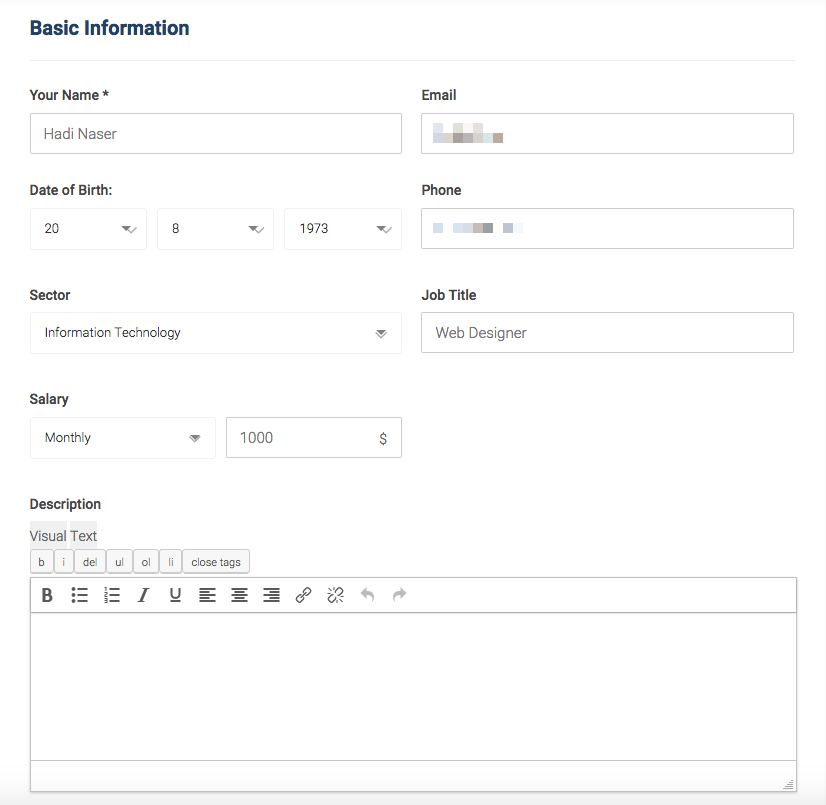
- Name: probably you already have it written when you start the registration process, but you can update or translate it.
- Email: Fill in your email, it is important to use a valid email so you will receive any notification from jobs.ly through this email, also companies will contact you using this email.
- Birthday: Select your birthday.
- Phone: fill in your phone number.
- Select Category: Choose the category related to your specialty or industrial. This is important, as employers usually use this to search for candidates related to specific industries.
- Job Title: Fill in your job title, it is very important for your CV to state your job title, even if you still fresh graduate with no fancy title you still can state this by using phrases like fresh graduate or junior. Be genuine and honest.
- Salary, usually companies like to know what is the expected salary you looking for, be careful though if you don’t know the market range skip this and leave it to negotiate the salary with the employer.
- Description
Other Information
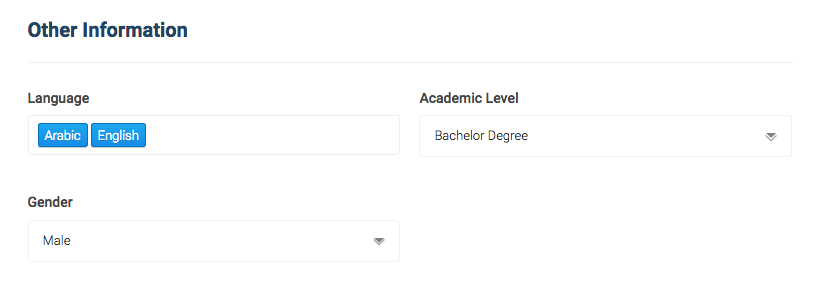
- Language: Select languages you speak.
- Academic level: Select the academic level.
- Gender: Select your gender.
Social Links
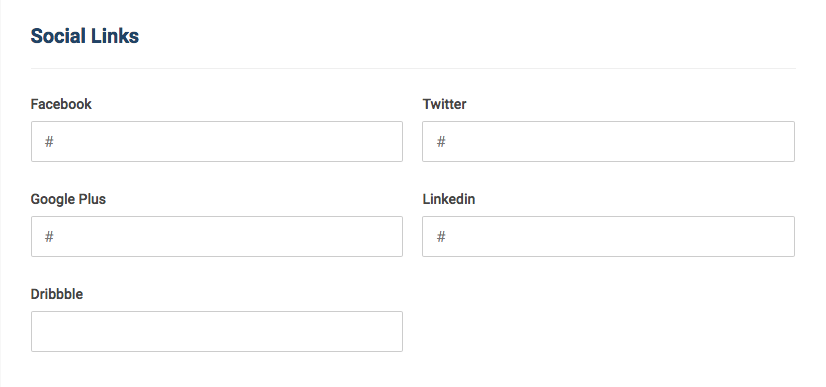
Social media: add your social media account, by copy paste the URL of your account and each label.
Address / Location
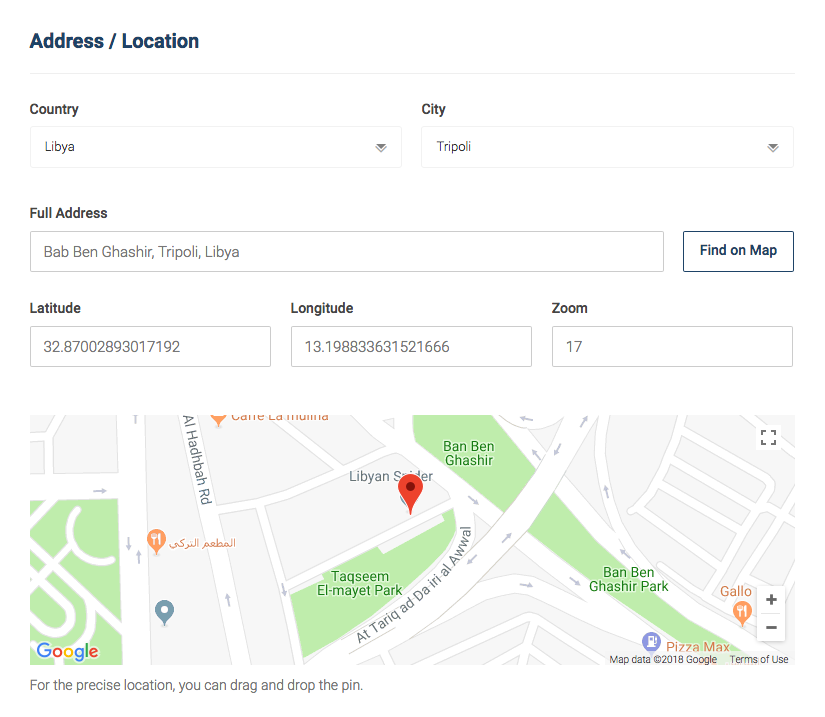
Address: Select country, city and type your street address or area, while you are typing google map will start suggesting the closest to what you are typing to make it easier for you to find and select the right address. Use the + or – to zoom in or out to find the exact geolocation using the google map. It is important to locate your location for future features we will add jobs close to your area etc…
Save Settings: Final step in completing your profile is to click on Save Settings.